- Introduction of Computer (कम्प्यूटर एक परिचय)
- What Is Computer ( कम्प्यूटर क्या है) ?
- History & Generations इतिहास और पीढ़ियाँ
- Evolution of Computers & its applications
- Types of Computers -कम्प्यूटर के प्रकार
- The Motherboard – मदरबोर्ड
- CPU- सी.पी.यू.
- Computer Memory and storage कम्प्यूटर मेमोरी एवं स्टोरेज
- Input Devices
- Output Devices
- Basics of Hardware & Software
- Software – सॉफ्टवेयर्स
- Latest IT Gadgets- आईटी गैजेट्स
- Advantage And Disadvantage of Computer- कंप्यूटर के लाभ और हानियाँ
1.7 Output Devices (आउटपुट डिवाइस)
Output Devices give results either in hard or soft form. The devices which are used to display the data to the user either in the form of hard copy or soft copy are called output devices. Examples of output devices are Screen/monitor, Printer, plotter, projectors, speaker, Headphones.
आउटपुट डिवाइस हार्ड या सॉफ्ट रूप में परिणाम देते हैं। जिन उपकरणों का उपयोग उपयोगकर्ता को हार्ड कॉपी या सॉफ्ट कॉपी के रूप में डेटा को प्रदर्शित करने के लिए किया जाता है, उन्हें आउटपुट डिवाइस कहा जाता है। आउटपुट डिवाइस का उदाहरण स्क्रीन/मॉनिटर, प्रिंटर, प्लॉटर, प्रोजेक्टर, स्पीकर, हेडफोन हैं।
1. Monitor (मॉनिटर)
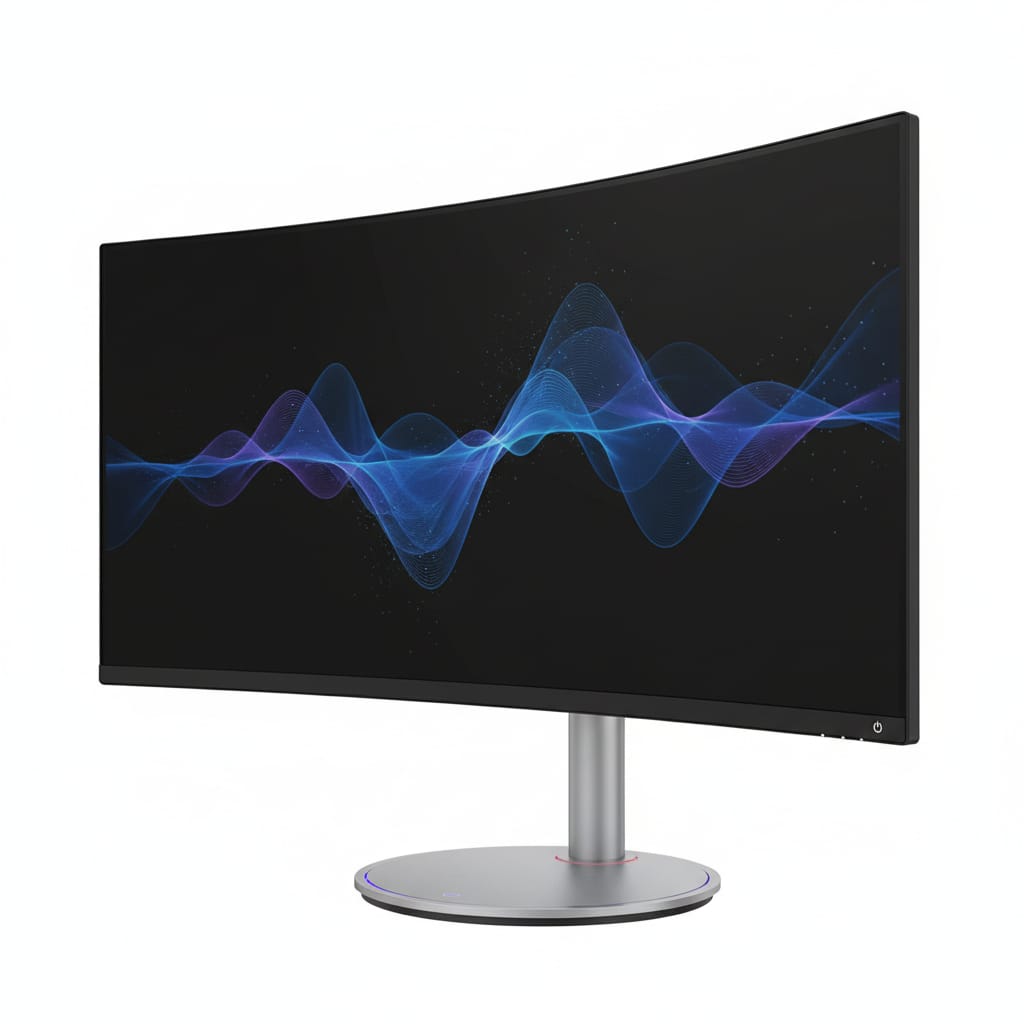
This is an Output device. VDU is a Visual soft Output device and used for getting soft visual Output on screen.
यह एक आउटपुट डिवाइस है। VDU एक विजुअल सॉफ्ट आउटपुट डिवाइस है और इसका उपयोग स्क्रीन पर सॉफ्ट विजुअल आउटपुट प्राप्त करने के लिए किया जाता है।
(i) CRT (Cathode Ray Tube) (सीआरटी)
This is a television-like screen where the results of a computer’s tasks are displayed. In this technology, Cathode Ray falls on a fluorescence screen and by deflecting rays makes a picture. There are two types of CRTs: यह टेलीविजन जैसी स्क्रीन है जहां कंप्यूटर के कार्यों के परिणाम प्रदर्शित किए जाते हैं। इस तकनीक में कैथोड रे फ्लोरेसेंस स्क्रीन पर पड़ता है और किरणों को विक्षेपित करके चित्र बनाता है। ये दो प्रकार के होते हैं:
Monochrome (मोनोक्रोम): Also called black and white. जिसे ब्लैक एंड व्हाइट भी कहा जाता है।
Color (कलर): It has three different phosphors which emit red, green, and blue light respectively and due to the RGB color, picture appears in colored view. इसमें तीन अलग-अलग फॉस्फोरस होते हैं जो क्रमशः लाल, हरे और नीले प्रकाश का उत्सर्जन करते हैं और आरजीबी रंग के कारण रंगीन दृश्य दिखाई देते हैं।
(ii) LCD (Liquid Crystal Display) (एलसीडी)
This VDU is thin, flat and having light modulating technology. It is of two types: यह वीडीयू पतला, फ्लैट होता है तथा इसमें लाइट मॉड्यूलेटिंग टेक्नोलॉजी होती है। यह दो प्रकार का होता है:
TFT (Thin Film Transistor) टीएफटी (थिन फिल्म ट्रांजिस्टर): It is a variant of LCD and makes a matrix but is not self-lighting. यह एलसीडी का एक प्रकार है और मैट्रिक्स बनाता है लेकिन स्वयं प्रकाशित (self-lighting) नहीं होता।
LED (Light Emitting Diode) एलईडी (लाइट एमिटिंग डायोड): It is self back light emitting technology; picture quality is better.
यह सेल्फ बैक लाइट एमिटिंग तकनीक है, जो पिक्चर क्वालिटी बेहतर बनाता है।
2. Printer (प्रिंटर)
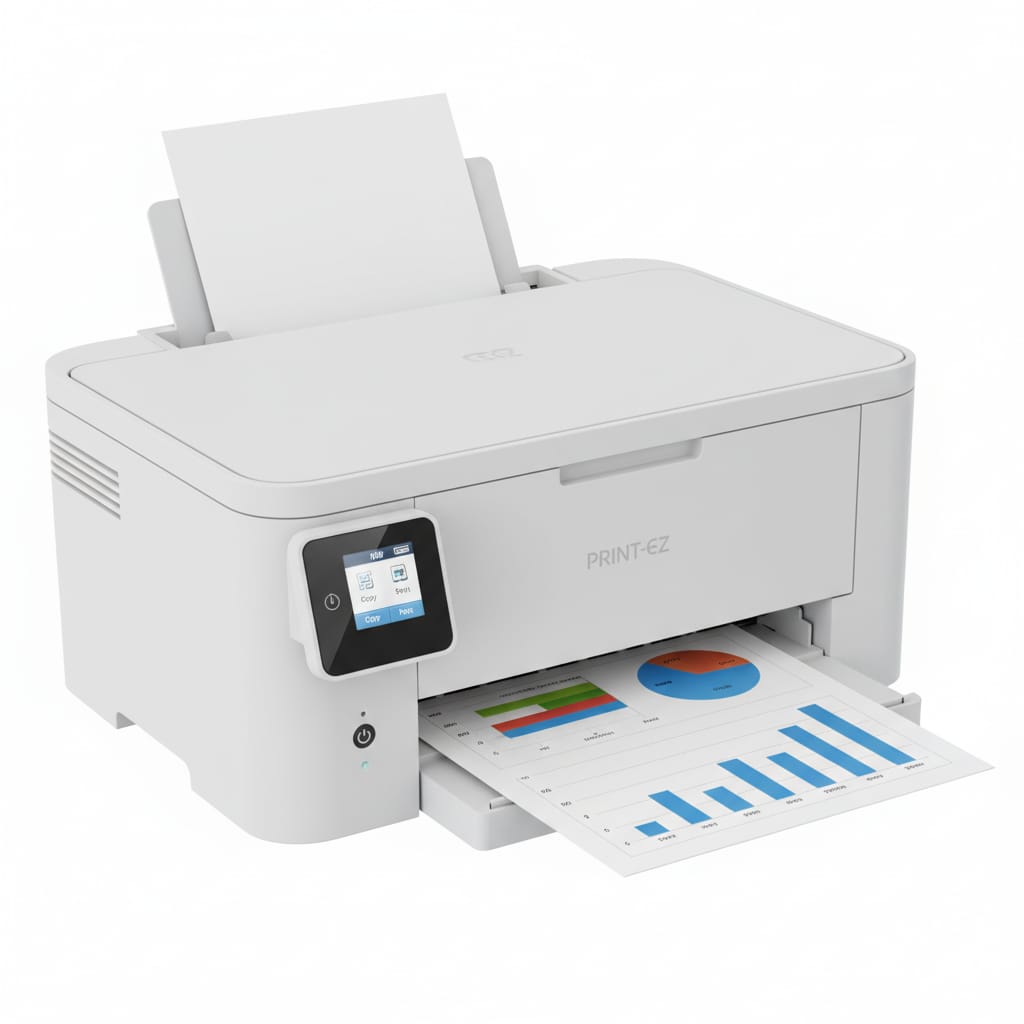
A printer is an Output device that prints text documents, images, spreadsheets, etc., as hard copy. Printer’s quality is measured in dots per inch (DPI). There are two types of printers: Impact Printer and Non-Impact Printer.
प्रिंटर एक आउटपुट डिवाइस है जो कंप्यूटर से डाटा प्राप्त कर उसका आउटपुट हार्ड कॉपी के रूप में प्रिंट करता है। प्रिंटिंग क्वालिटी को डॉट प्रति इंच (DPI) में मापा जाता है। प्रिंटर दो प्रकार के होते हैं: इम्पैक्ट प्रिंटर एवं नॉन-इम्पैक्ट प्रिंटर।
(i) Impact Printer (इम्पैक्ट प्रिंटर)
This type of printer strikes against the ink ribbon and makes an impression on the paper. इस प्रकार के प्रिंटर स्याही वाले रिबन पर स्ट्रोक करते हैं और कागज पर छाप (इम्प्रेशन) बनाते हैं।
Dot Matrix Printer: A dot matrix printer creates characters by striking pins against ink ribbons. Each pin makes a dot and combinations of dots form characters and illustrations. This is much like a typewriter.
डॉट मैट्रिक्स प्रिंटर: एक डॉट मैट्रिक्स प्रिंटर स्याही रिबन के खिलाफ पिन स्ट्राइक द्वारा कैरेक्टर बनाता है। प्रत्येक पिन एक डॉट बनाता है और कैरेक्टर और इलस्ट्रेशन डॉट्स के संयोजन से बनते हैं। यह बहुत कुछ टाइपराइटर जैसा है।
(ii) Non-Impact Printer (नॉन-इम्पैक्ट प्रिंटर)
In this technology, there is no hammer to strike against the ribbon. This is the latest technology. The two main types are: इस तकनीक में रिबन पर स्ट्राइक करने के लिए कोई हैमर नहीं है। यह नवीनतम तकनीक है। दो मुख्य प्रकार हैं:
Inkjet Printer: In this technology, “Ionized Ink” is sprayed through magnetic plates onto the sheet, making symbols, images, or documents. These printers produce high-quality printings up to 300 DPI or more.
Laser Printer: In this technology, as paper passes through the printer, the laser beam falls on the surface of a cylindrical drum called a photoreceptor. This drum has an electrical positive charge; by reversing the charge in certain areas, the laser beam prints patterns (text and images) onto the photoreceptor.
इंकजेट प्रिंटर: इस तकनीक में “Ionized Ink” शीट पर चुंबकीय प्लेटों के माध्यम से छिड़काव कर प्रतीक, इमेज या डॉक्यूमेंट बनाते हैं। इससे 300 डीपीआई या अधिक की प्रिंट क्वालिटी प्राप्त की जा सकती है।
लेजर प्रिंटर: इस तकनीक में जैसे ही कागज प्रिंटर से गुजरता है, लेजर बीम एक बेलनाकार ड्रम की सतह पर गिरता है जिसे फोटो रिसेप्टर कहा जाता है। इस ड्रम में एक विद्युत धनात्मक आवेश होता है, ड्रम के कुछ क्षेत्रों में आवेश को उल्टा करके लेजर बीम प्रिंट पैटर्न (जैसे कि टेक्स्ट और इमेज) बनाता है। Laser Printer: In this technology, as paper passes through the printer, the laser beam falls on the surface of a cylindrical drum called a photoreceptor. This drum has an electrical positive charge; by reversing the charge in certain areas, the laser beam prints patterns (text and images) onto the photoreceptor.
लेजर प्रिंटर: इस तकनीक में जैसे ही कागज प्रिंटर से गुजरता है, लेजर बीम एक बेलनाकार ड्रम की सतह पर गिरता है जिसे फोटो रिसेप्टर कहा जाता है। इस ड्रम में एक विद्युत धनात्मक आवेश होता है, ड्रम के कुछ क्षेत्रों में आवेश को उल्टा करके लेजर बीम प्रिंट पैटर्न (जैसे कि टेक्स्ट और इमेज) बनाता है।
3. 3D Printer (3डी प्रिंटर)
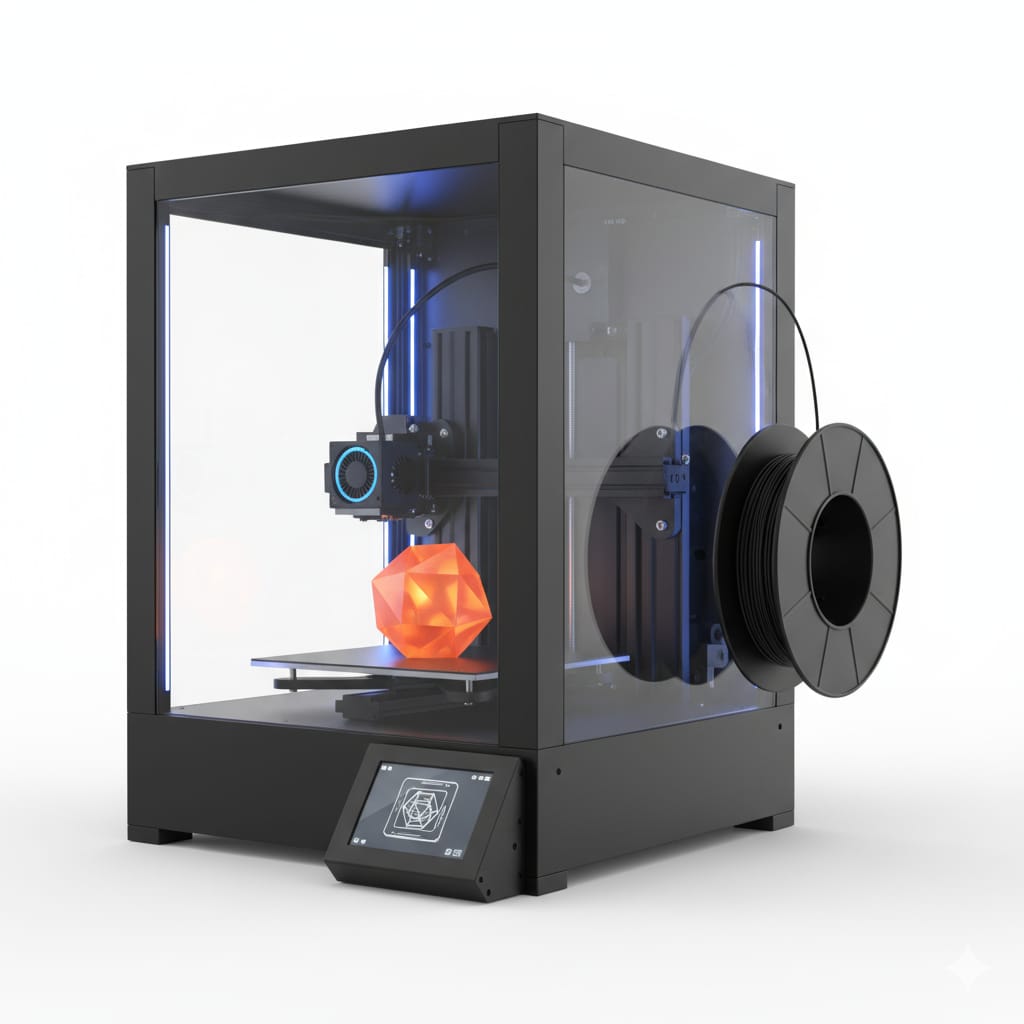
Allows users to print an object as 3-Dimensional CAD (Computer-Aided Design) images. Also called additive manufacturing, it is an innovative technology that helps businesses cut costs.
उपयोगकर्ताओं को 3-आयामी सीएडी (कंप्यूटर एडेड डिजाइन) इमेज के रूप में एक ऑब्जेक्ट प्रिंट करने की अनुमति देता है। इसे एडिटिव मैन्युफैक्चरिंग भी कहा जाता है।
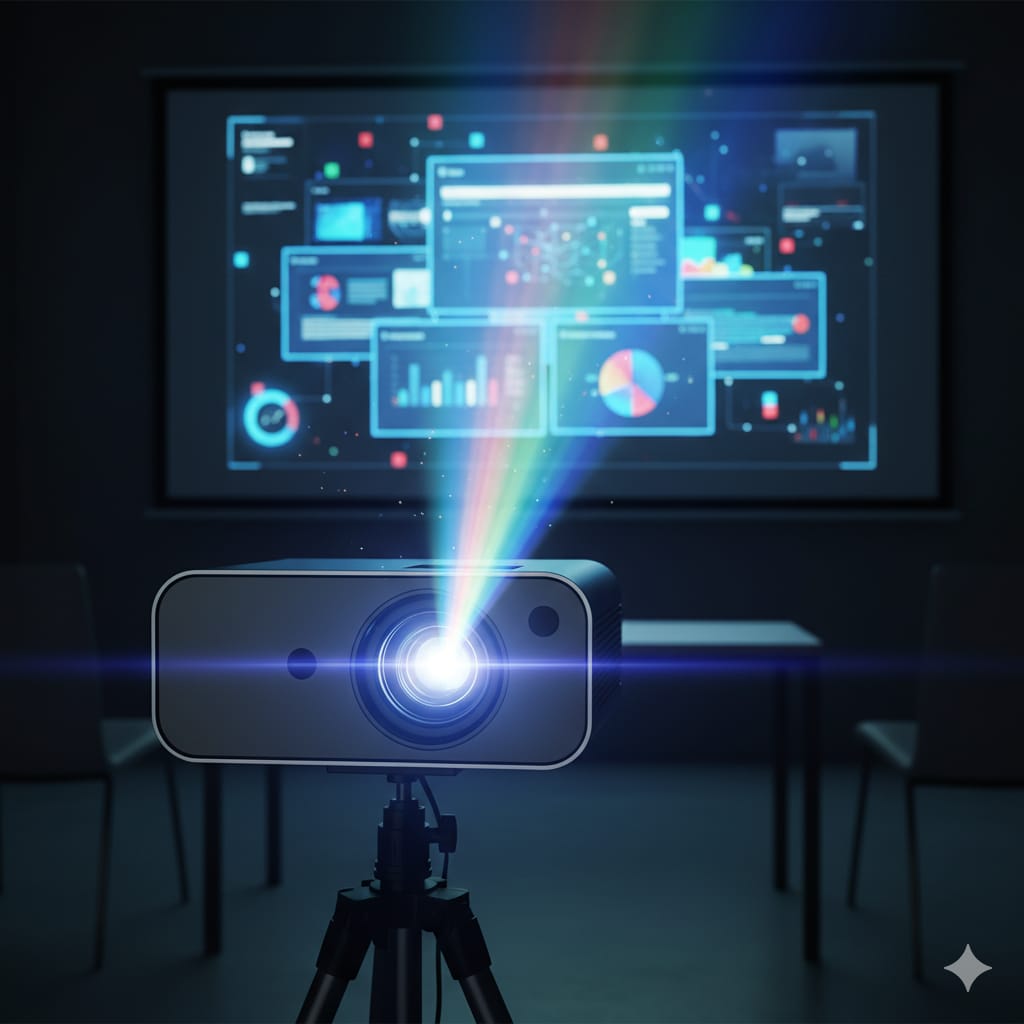
4. Multimedia Projector (मल्टीमीडिया प्रोजेक्टर)
Projector is an output device often used in meetings/presentations. It contains a lens used to flash the film onto an object/screen.
प्रोजेक्टर एक आउटपुट डिवाइस है जो प्रायः मीटिंग या प्रेजेंटेशन में प्रयोग होता है। यह लेंस का उपयोग कर किसी फिल्म को किसी ऑब्जेक्ट पर फ्लैश या प्रसारित करता है।
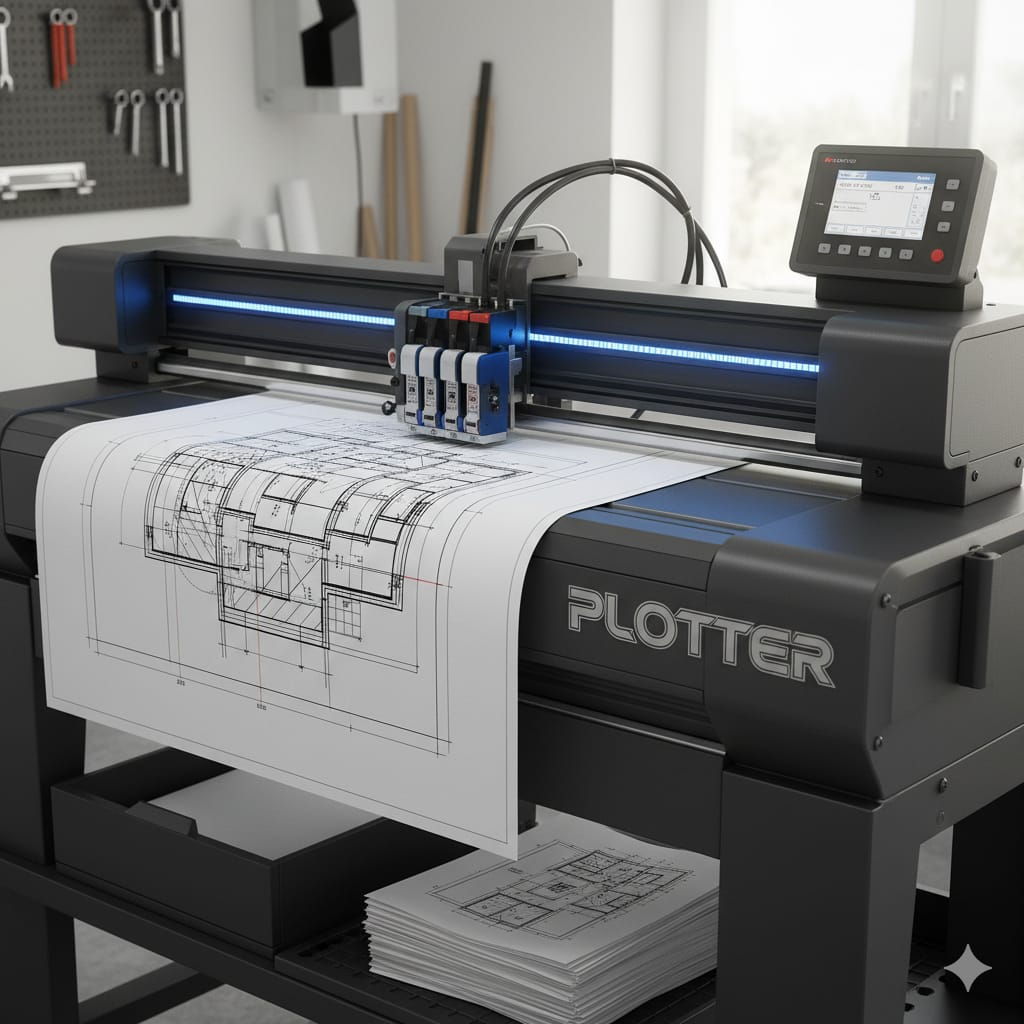
5. Plotter (प्लॉटर)
Used to produce graphical output on papers. It uses single or multi-color pens to draw pictures like blueprints, maps, and engineering/architectural designs.
प्लॉटर एक आउटपुट डिवाइस है जिसका उपयोग कागजों पर ग्राफिकल आउटपुट बनाने के लिए किया जाता है। यह मैप, ब्लूप्रिंट और इंजीनियरिंग अनुप्रयोगों के लिए उपयोग किया जाता है।
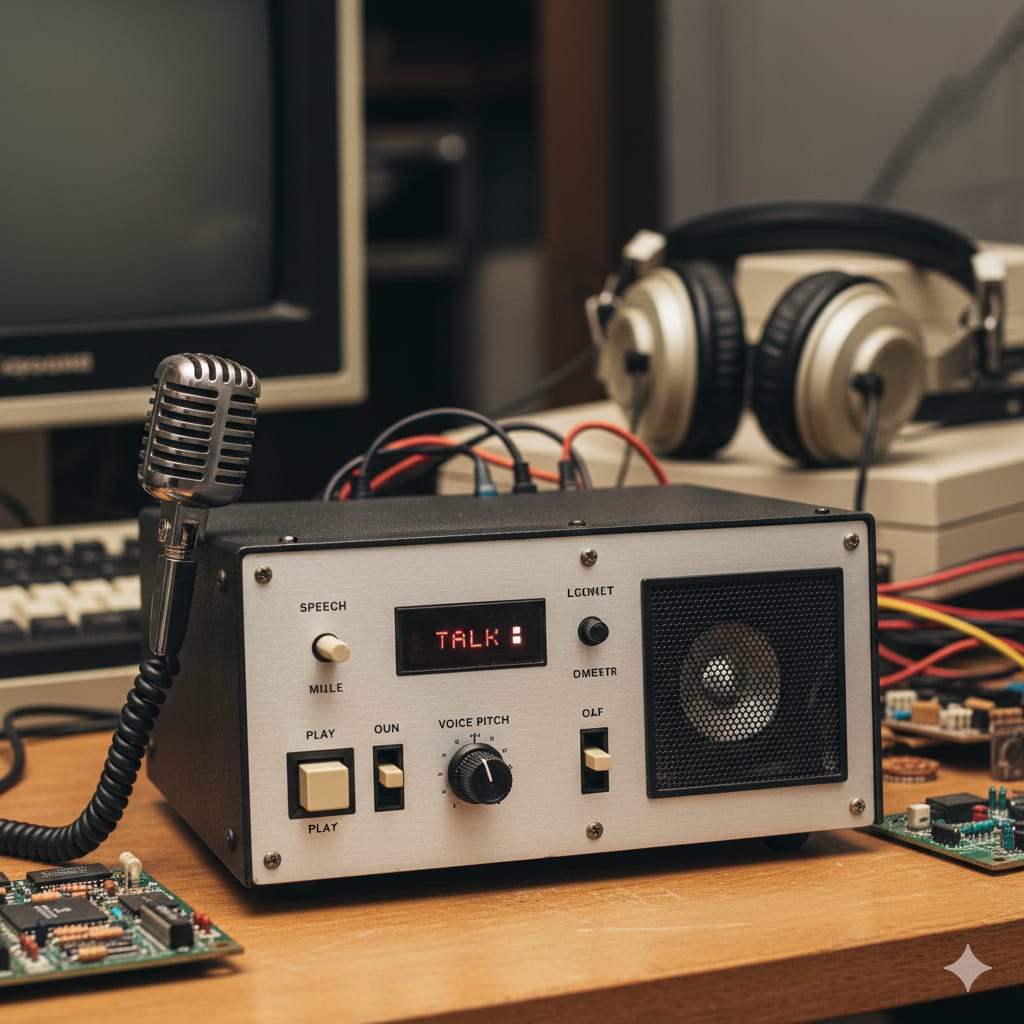
6. Speech Synthesizer (स्पीच सिंथेसाइज़र)
A computerized device that accepts input, interprets data, and produces audible language. It translates text or controlled nonverbal body movement into audible speech.
एक कंप्यूटरीकृत उपकरण जो इनपुट स्वीकार करता है, डेटा की व्याख्या करता है और सुनने योग्य भाषा उत्पन्न करता है। यह टेक्स्ट या संकेतों का अनुवाद करने में सक्षम है।
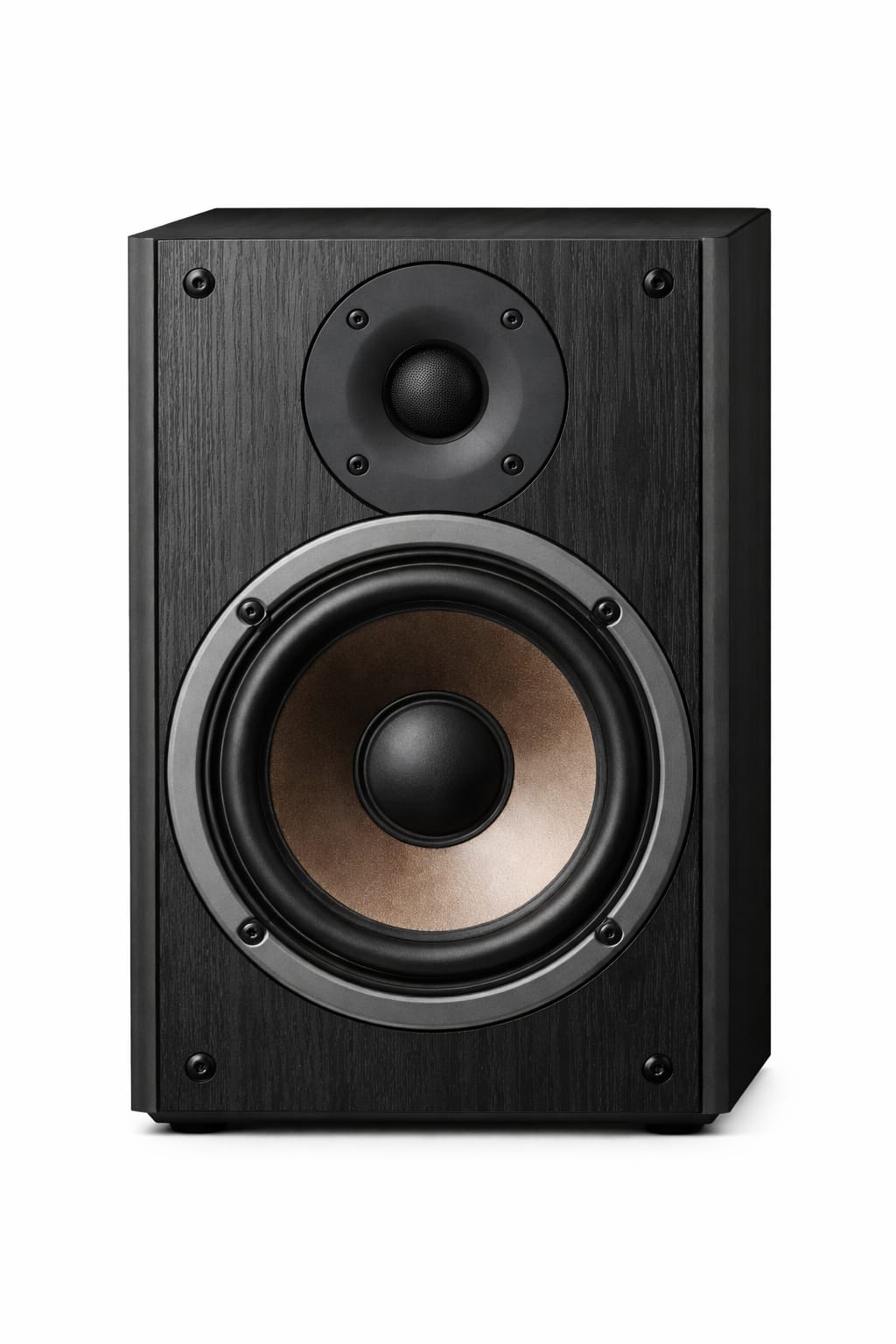
7. Speaker (स्पीकर)
Speakers are output devices used to play sound as output. It is used in multimedia applications to play or listen to sound or music.
यह एक आउटपुट डिवाइस है जो साउंड या म्यूजिक को प्ले कर ध्वनि उत्सर्जन का कार्य करता है।